![New Founders Software-White.png]](https://help.intelligentbits.com/hs-fs/hubfs/New%20Founders%20Software-White.png?height=50&name=New%20Founders%20Software-White.png)
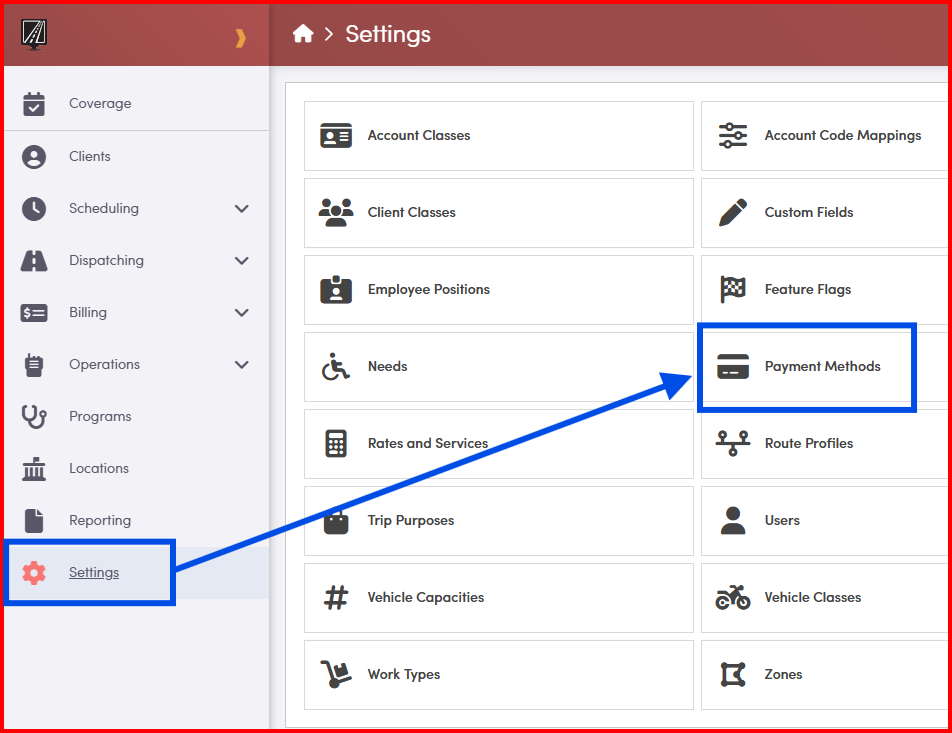
Navigate to Settings, and then select the Payment Methods.
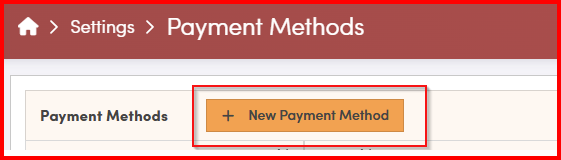
Select +New Payment Method
A new window will appear, prompting you to enter a Name for the payment type.
The Status should automatically be in the active status, and can be turned to inactive when the method is no longer in use.
The Description field is optional and can be used to provide additional details if needed.
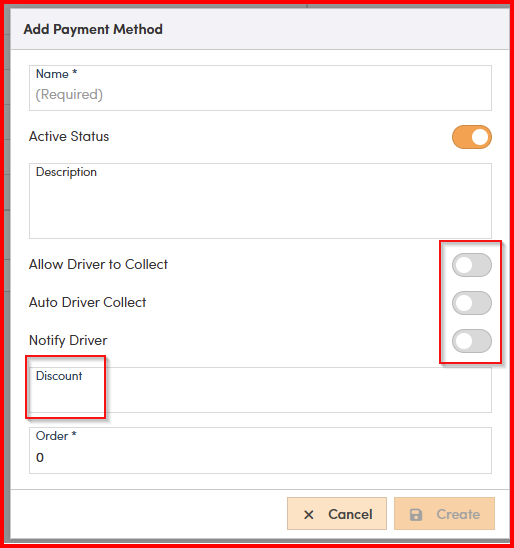

When ready to save work, click Create.