![New Founders Software-White.png]](https://help.intelligentbits.com/hs-fs/hubfs/New%20Founders%20Software-White.png?height=50&name=New%20Founders%20Software-White.png)
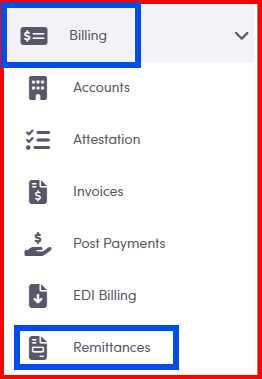
1. Navigate to the Billing Category then select Remittances.
2. Choose between Account and Account Class as the source.

3. Choose a remittance file to upload from your computer.

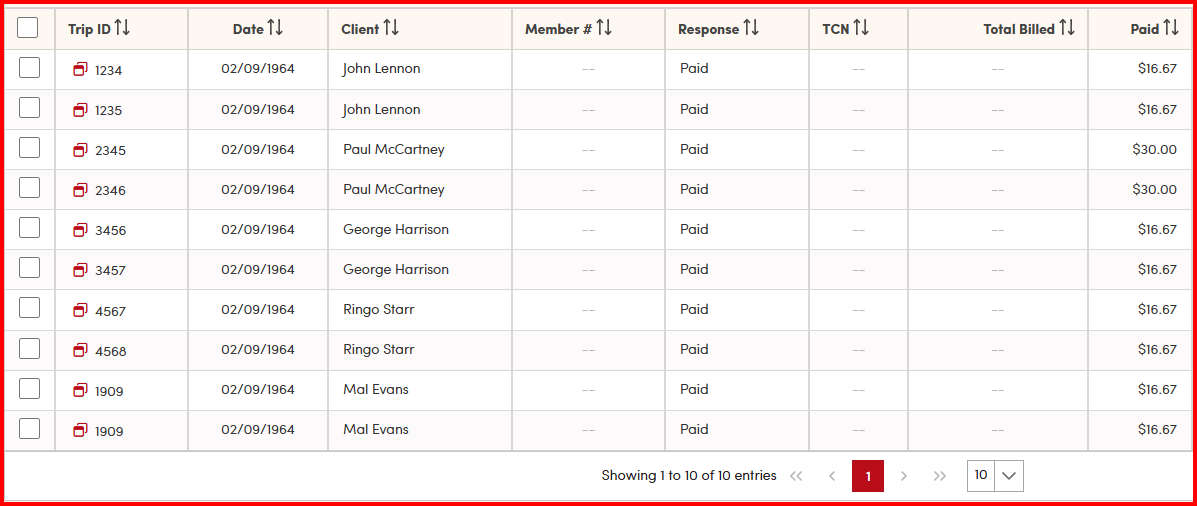
4. Verify the data on the screen from the imported file.
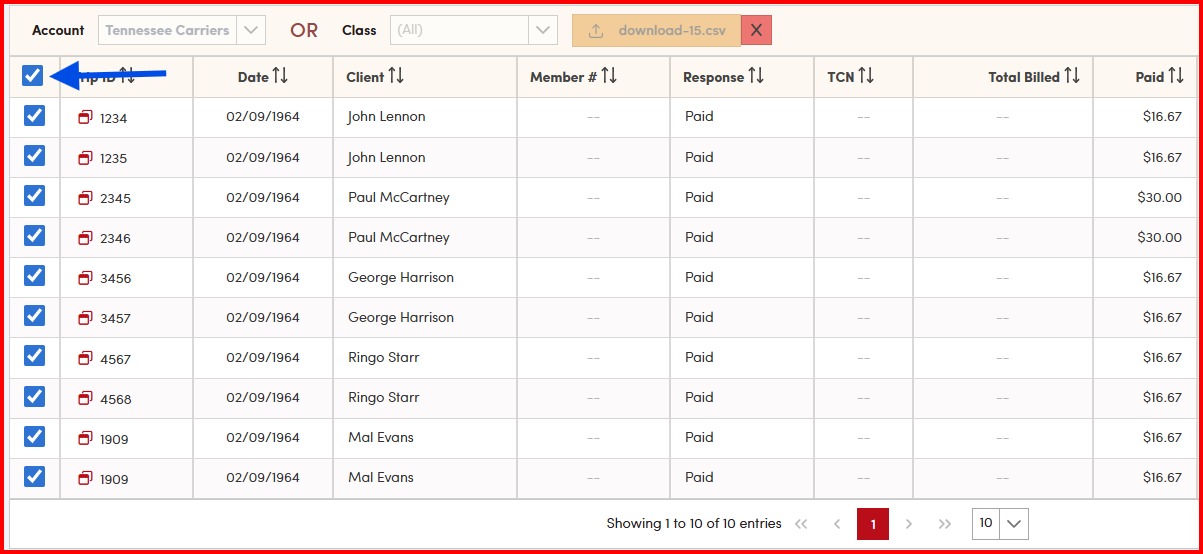
5. Check all trips in the left hand side.
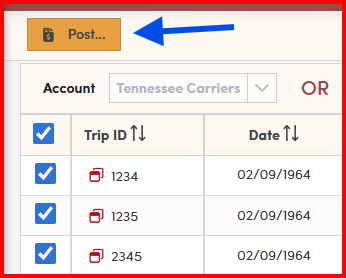
Select Post to apply the payments.
The following remittance files are currently accepted by RoutingBox: CTG, Kalos Health, Limosys, Logisticare/ModivCare, Fidelis, VNS, MTM, National MedTrans, Tennessee Carriers, and 835 Remittance files.