![New Founders Software-White.png]](https://help.intelligentbits.com/hs-fs/hubfs/New%20Founders%20Software-White.png?height=50&name=New%20Founders%20Software-White.png)
To update RoutingBox Mobile on the App Store:
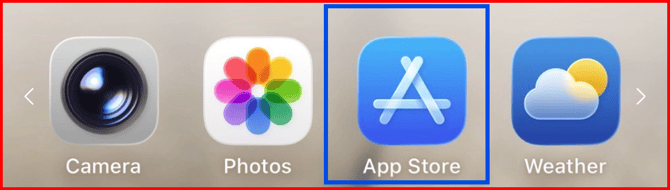
- Open the App Store on your device
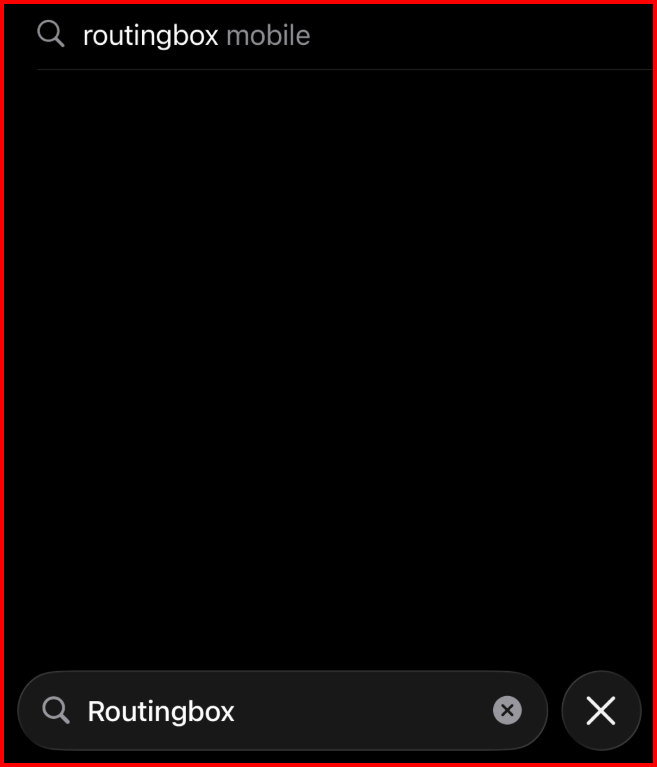
- In the search bar, type in RoutingBox
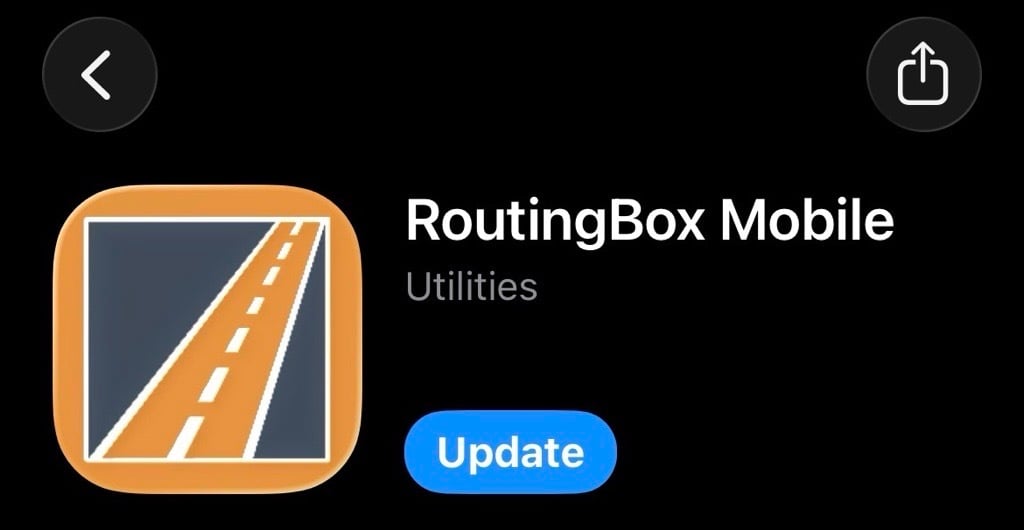
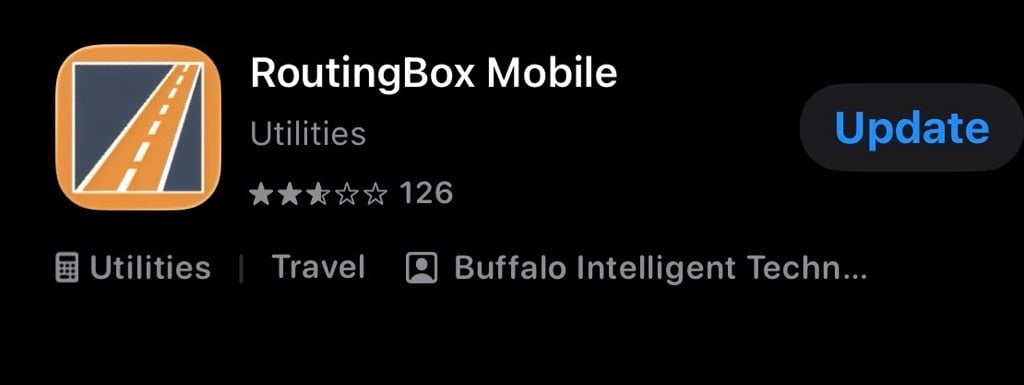
Updating the app will replace your current version with the latest release so your mobile device stays up to date, sends trip data accurately back to RoutingBox, and includes the newest features and fixes.
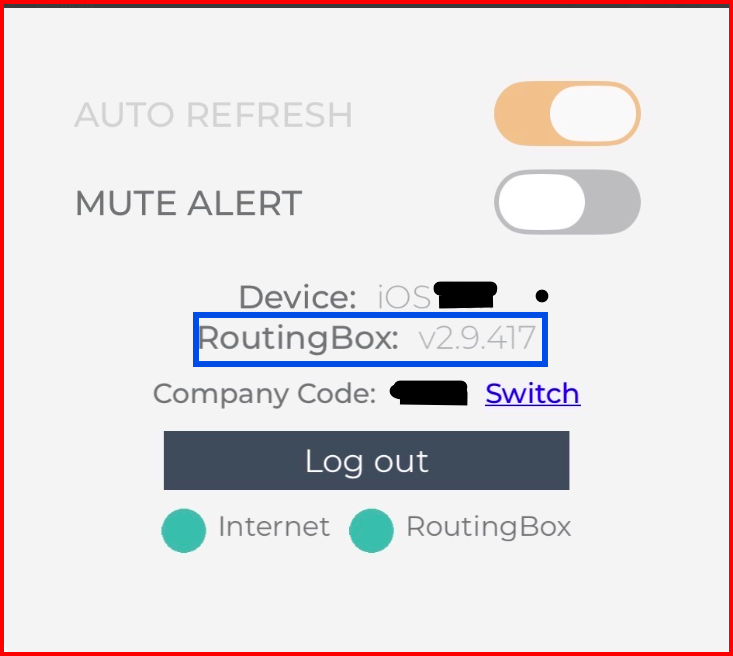
TO CHECK WHICH APP VERSION YOU HAVE IN THE MOBILE APP:
- At the bottom of the Company Sign In screen, the App Version is listed:
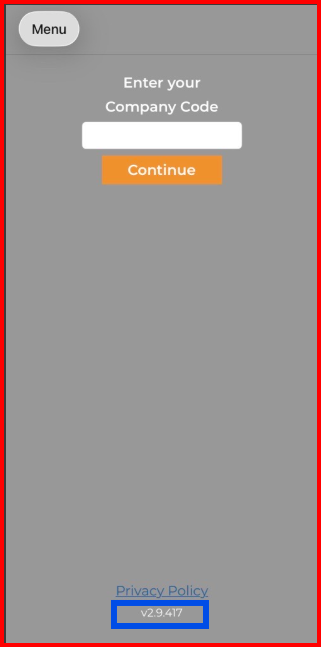
- when logged into the app, click on MENU and towards the bottom of the menu screen: