![New Founders Software-White.png]](https://help.intelligentbits.com/hs-fs/hubfs/New%20Founders%20Software-White.png?height=50&name=New%20Founders%20Software-White.png)
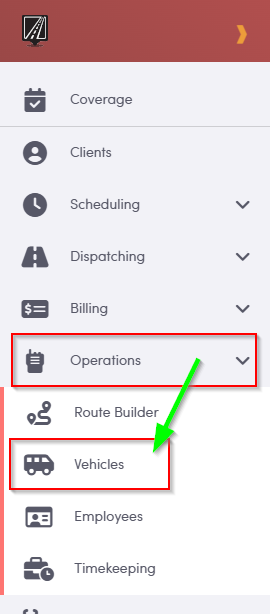
To begin, navigate to the Operations tab in the menu on the left, then select **Vehicles**.
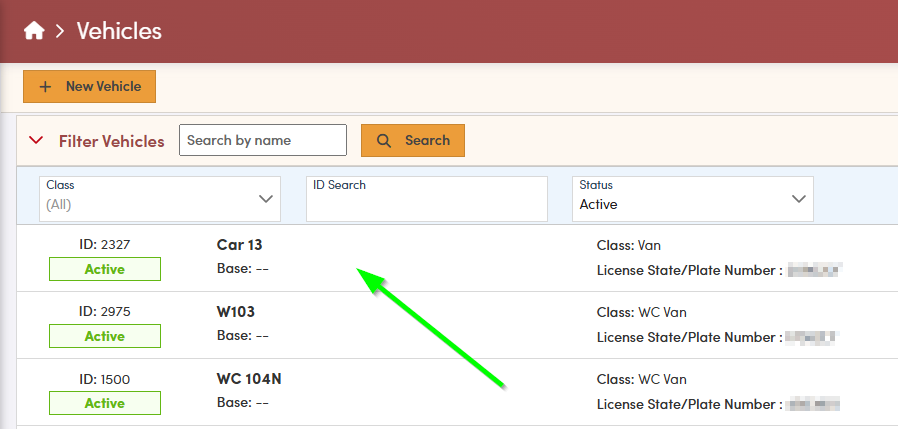
On the Vehicles screen, select the vehicle whose odometer reading you want to review and, if necessary, update. You can also use the search tools—such as class ID and vehicle status—to quickly filter and locate the correct vehicle.
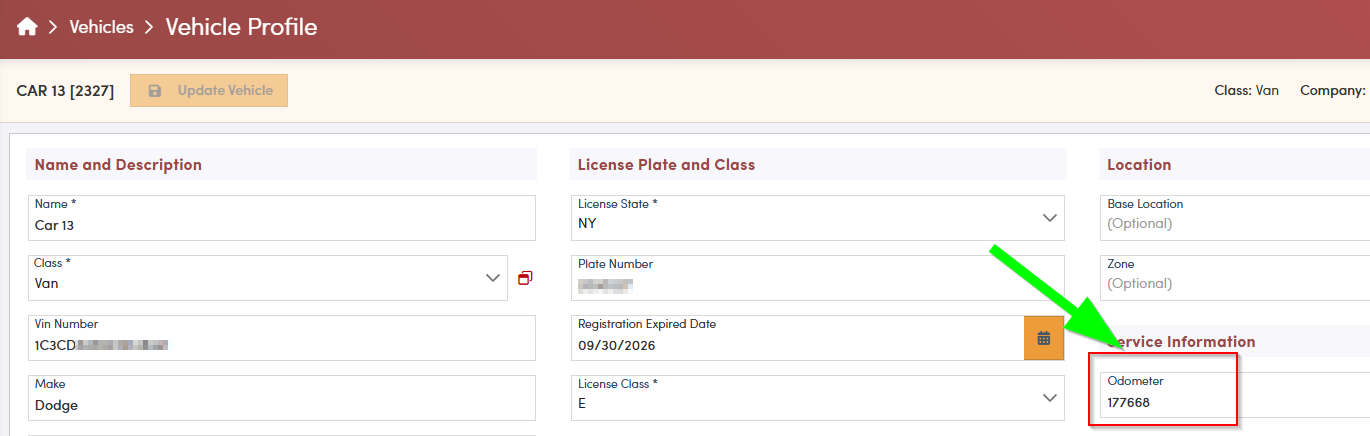
On the vehicle’s profile page, locate the **Odometer** field. To update the value, click directly on the current reading, enter the correct mileage, and then update vehicle to save your changes.
To maintain accurate records across your workflows, make sure to update the odometer value in any associated checklists as well.