![New Founders Software-White.png]](https://help.intelligentbits.com/hs-fs/hubfs/New%20Founders%20Software-White.png?height=50&name=New%20Founders%20Software-White.png)
Navigate to the Reporting tab, then select the Operations category, then select the On Time Performance Report.


Click the calendar icons to select the date range.
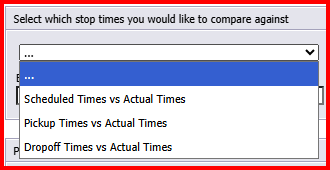
Select which stop times you would like to compare against.
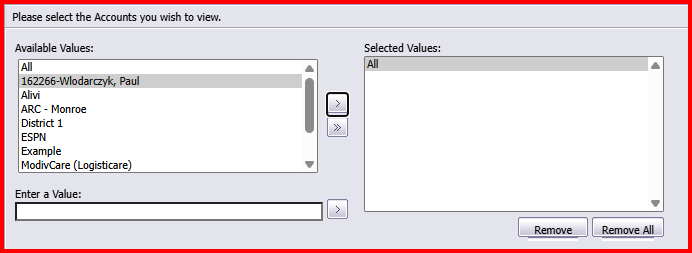
Select the Account you wish to view. Double click or use the arrows to move desired Accounts into the Selected Values window.
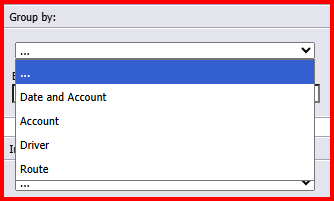
Choose your Group by option for sorting.
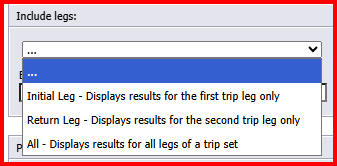
Choose if you want to include certain legs, or all legs.
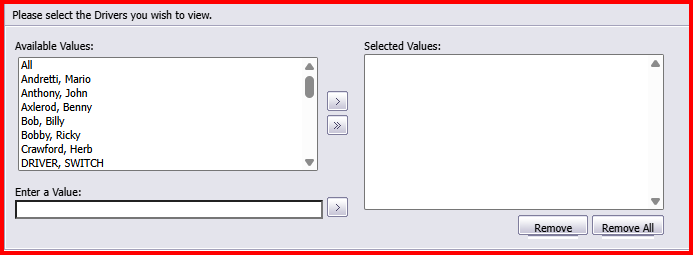
Select individual drivers, or select All drivers. Double click or use the arrows to move desired Accounts into the Selected Values window.

Select a single Route, or select All Routes. Double click or use the arrows to move desired Accounts into the Selected Values window. If Routes are not applicable, select All as a value is required.
Click OK to generate the report.
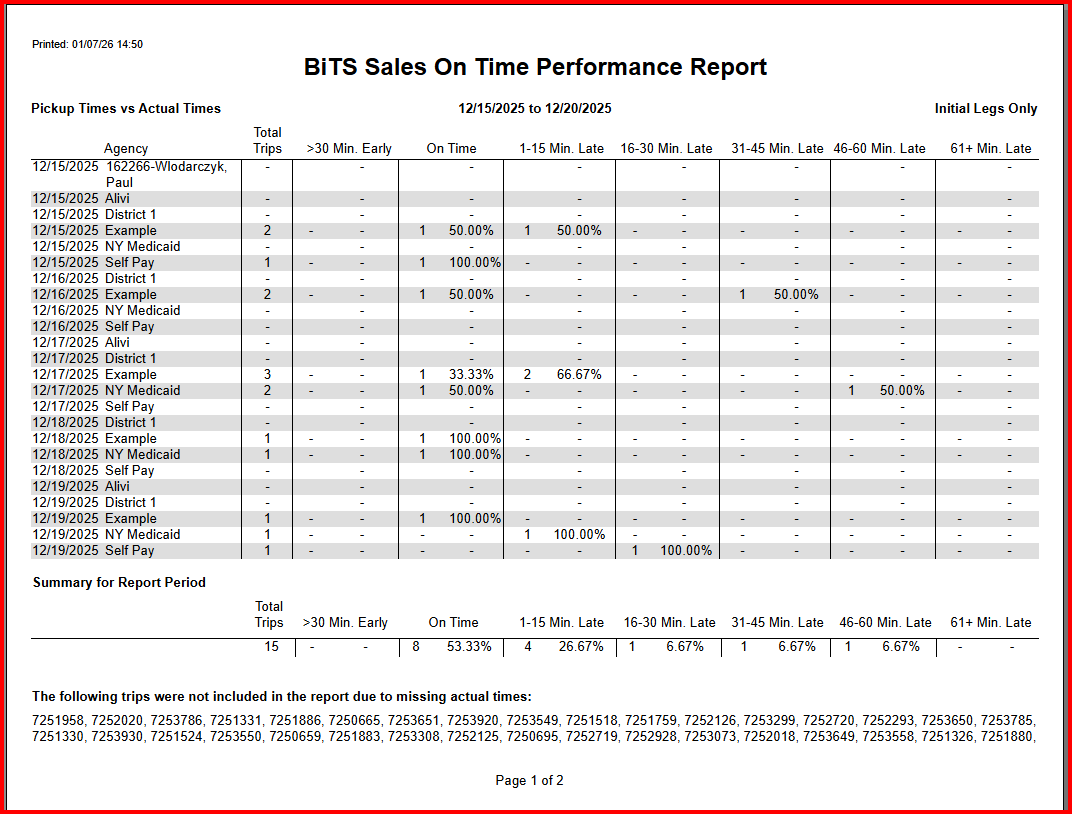
Above is a sample of what the report will look like - save and export to print if desired.
This report is helpful in validating and verifying data when being scored by a broker or another entity.